Shopping Cart
There are no more items in your cart
.jpg)


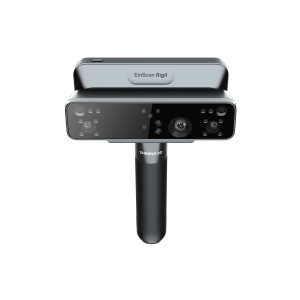
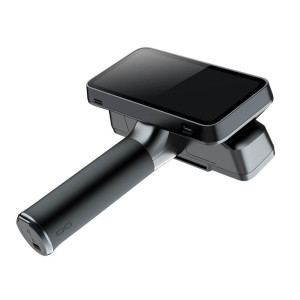
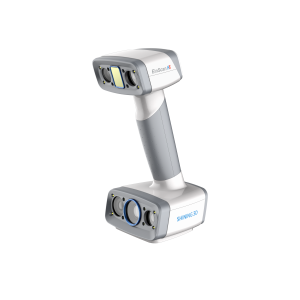
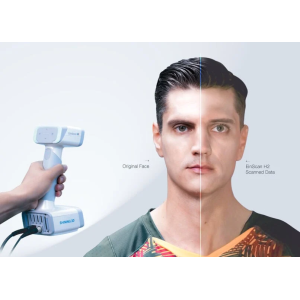
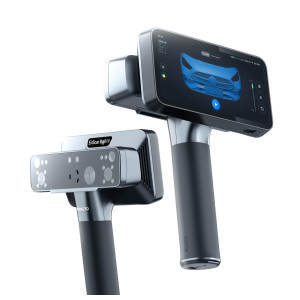
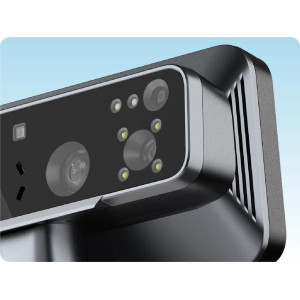
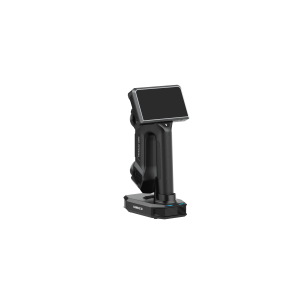
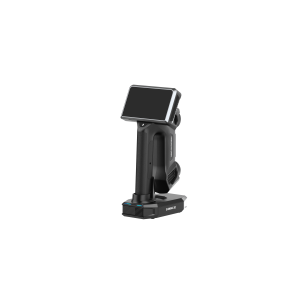
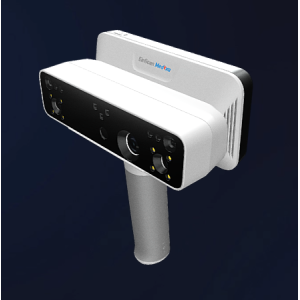
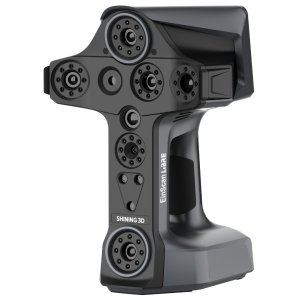
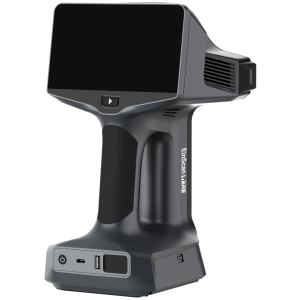
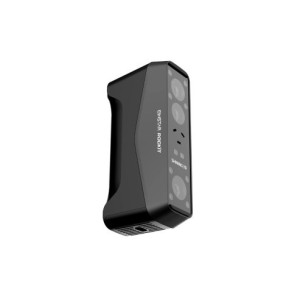
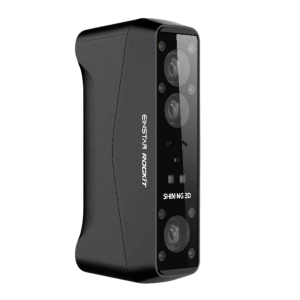
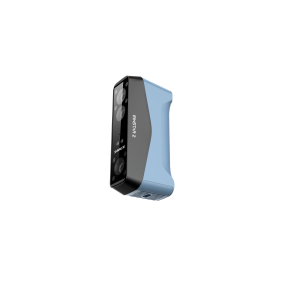
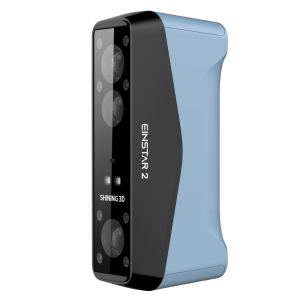
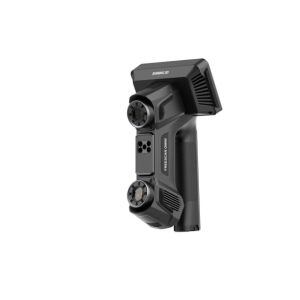
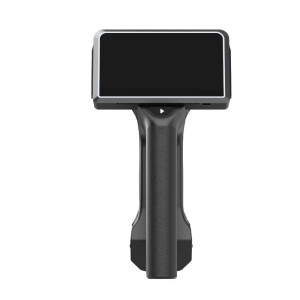
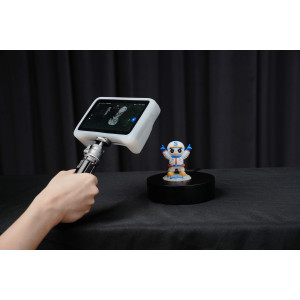
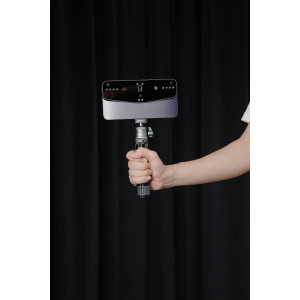
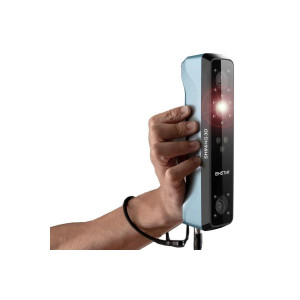
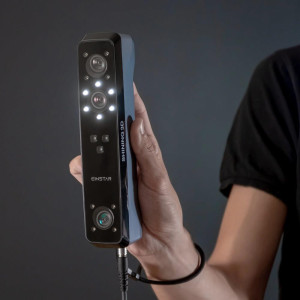
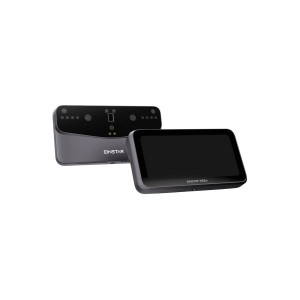
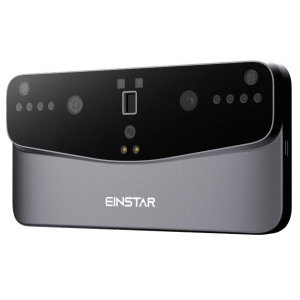
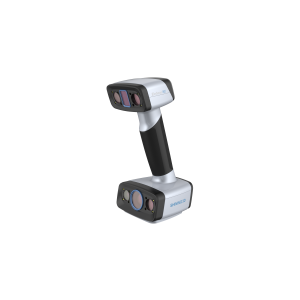
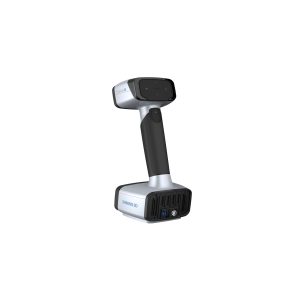
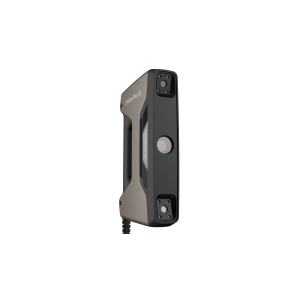
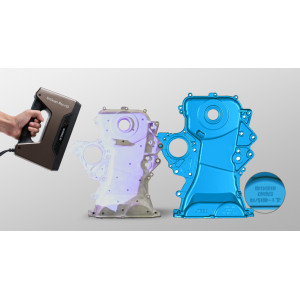

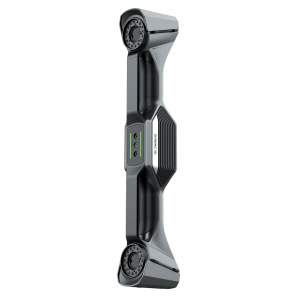
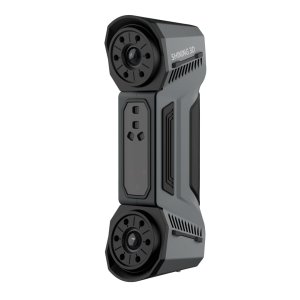
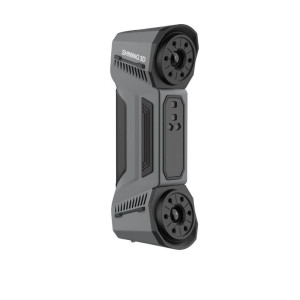
EinStar weighs about 500 g and EinScan HX 710 g, comfortable for long sessions.

Assess uses from small bodies to vehicle components against the model’s field of view and alignment conditions.

Laser for dark and shiny surfaces; LED or infrared for colored and organic objects.

EinScan Libre, Rigil Lite and EinStar VEGA scan in the field with an onboard processor.

Blue-laser EinScan HX or Libre.

EinScan H2 with white LED and infrared; Medixa for orthotics and prosthetics.

Entry-level EinStar or the PC-free EinStar VEGA.
Scan deep recesses and narrow channels from several angles. Assess broad faces, thin edges and deep pockets separately. Plan a route that preserves the recommended working distance. Inaccessible rear faces may require repositioning or another setup. In tight regions, follow data continuity in the preview rather than turning the scanner abruptly.
Overlapping regions help the selected alignment method track the part. Adjust motion and angle using device feedback and mark gaps during capture. Finer point spacing does not add an unseen surface. Record where repositioning was needed so another operator can reuse the setup reference. Discuss access and positioning alongside accuracy specifications when choosing the system.
Surface features and the chosen mode determine alignment preparation. A sculpture may offer distinctive geometry, while a flat panel or repeated blades need different references. Read geometry, texture and marker options by model and mode. Avoid a rule that every laser scan uses markers or every organic object is marker-free. Check the conditions attached to any marker-free capability.
Obtain marker diameter and visibility requirements from the manual. Preserve reference relationships when turning the part. If spray is needed, plan application that leaves marker faces readable. Follow the documented recovery procedure when tracking is lost rather than extending misaligned data. Check merged edges and relationships between distant features in the sample. Include tracker visibility for externally tracked systems without transferring mode support across an entire family.
Complete handheld selection with the required final file. For reverse engineering, identify holes, mating faces and features to rebuild on the scanned mesh. A mesh is distinct from a parametric design; discuss reconstruction software separately. For visual archives, inspect texture separately from geometry. Confirm that the destination software supports the export during the trial.
Inspection needs the appropriate device class, reference CAD and alignment method together. Distinguish filled holes from measured surfaces. In a demonstration on your component, review original data and the completed mesh, then open units, critical regions and texture files on the target computer. Make licensing, markers and computer inclusion explicit in the quotation. Defining the output's next use ties equipment choice to a concrete task.
Why 3D Grande?

A free demo with your own part; we review the results together.

Installation and operator training with delivery.

Local technical support.

Türkiye warranty and local technical support.
Try a Handheld Scanner on Your Part
Tell us what you want to scan, and we will show a suitable handheld model on your part.
About
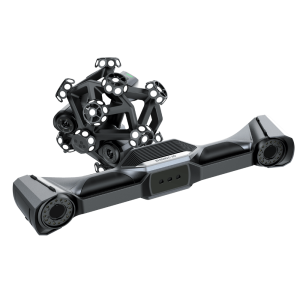
A handheld 3D scanner is a portable scanner the operator moves around the object. Unlike a desktop scanner, there is no turntable: car bodies, molds, sculptures and people are scanned where they are. Light sources include blue laser, white or blue LED and infrared, and hybrid models combine them. Wired models stay connected to a PC while scanning; all-in-one models carry the screen and processor in the body. 3D Grande supplies Shining 3D's EinStar and EinScan handheld scanners with demos, setup and training.
Handheld operation makes access and capture path part of selection. Recording a mould's exterior and completing its deep pocket are different trials. Show the difficult surface and access restriction on your own component. Assess light source, working distance and alignment against that region.
Include photographs, size and intended data use in an enquiry. State wireless or standalone expectations separately. Portability, processing location and file output are different criteria. The quotation defines delivery and training scope without promising unconditional results for uses not represented in the trial.
Related pages: Shining 3D EinScan Libre · Shining 3D EinScan HX · Shining 3D EinScan H2 · Wireless and mobile 3D scanners · Desktop 3D scanners · All 3D scanners